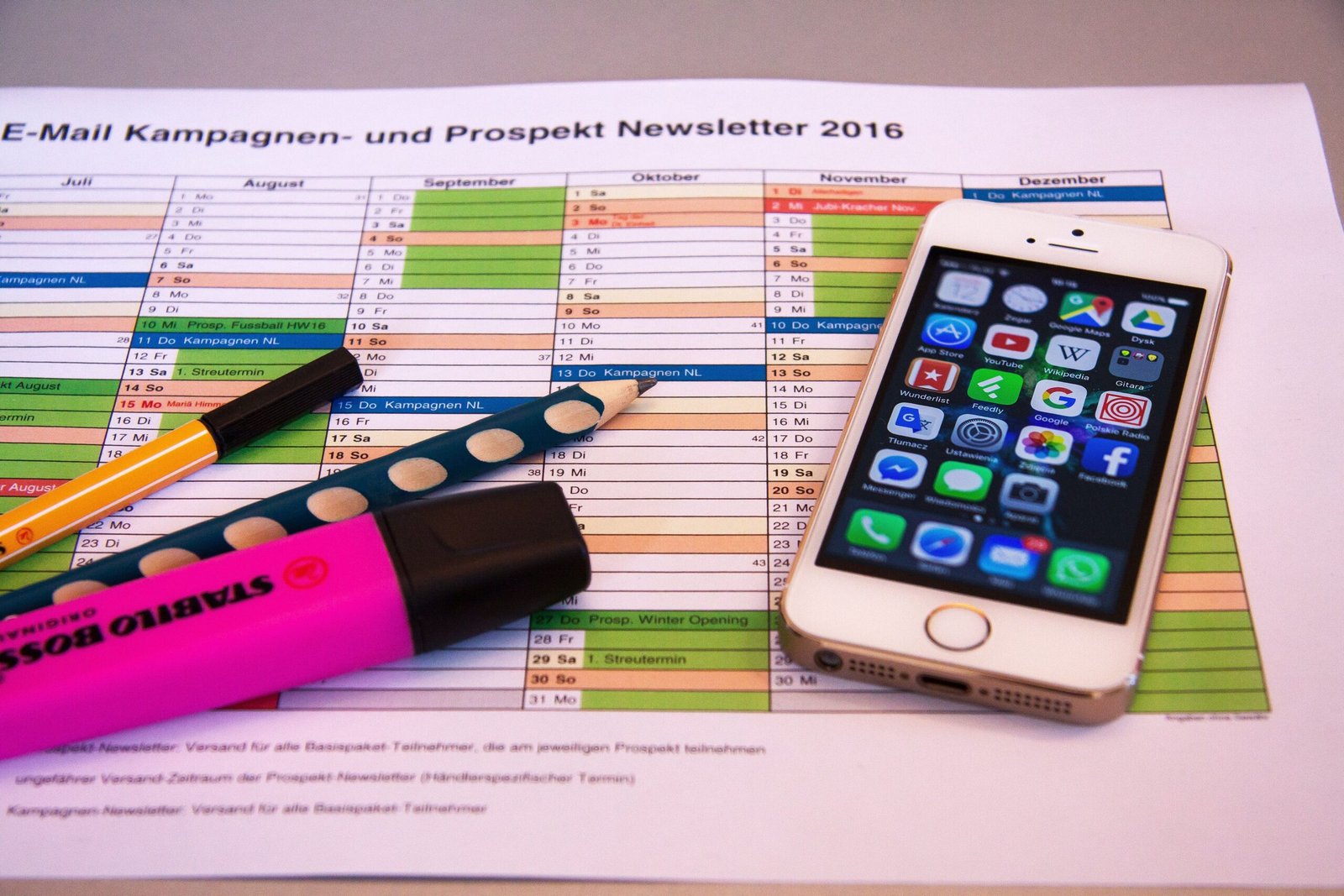
Efficiency is not about working longer hours. It is about completing tasks with less effort, better organization, and fewer interruptions. Free productivity apps help users manage schedules, organize files, communicate with teams, track projects, and automate repetitive work without requiring expensive software.
Today, many free applications offer features that were once available only in paid software. Whether you are a student, freelancer, office worker, business owner, or remote employee, the right combination of free apps can simplify daily work and improve overall productivity.
This guide explains the best free apps that improve efficiency, their features, benefits, use cases, and how to build a complete productivity system using free tools.
Why Use Free Productivity Apps?
Many people assume paid software is always better, but free applications often provide everything needed for everyday work.
Benefits include:
- No purchase cost
- Easy installation
- Regular updates
- Cloud synchronization
- Cross-platform compatibility
- Collaboration features
- Secure data storage
Most users only need the free versions unless they manage large teams or require advanced business features.
Features to Look for in Free Productivity Apps
Before downloading any application, consider the following features:
- Easy navigation
- Cloud backup
- Mobile and desktop support
- Automatic synchronization
- Collaboration options
- Notifications
- File sharing
- Search functionality
- Offline access
- Data security
Choosing apps with these features creates a smoother workflow.
Best Free Apps That Improve Efficiency
Google Keep
Google Keep helps users capture information quickly.
Features include:
- Notes
- Checklists
- Voice notes
- Labels
- Color organization
- Image notes
It automatically synchronizes across devices connected to the same Google account.
Microsoft To Do
Microsoft To Do helps organize daily responsibilities.
Users can:
- Create task lists
- Set reminders
- Organize projects
- Create recurring tasks
- Track completed work
The app integrates with Microsoft accounts and works across multiple devices.
Notion Free Plan
Notion combines multiple tools in one workspace.
Users can create:
- Notes
- Project boards
- Databases
- Task lists
- Knowledge bases
- Personal planners
The free plan is suitable for individuals and small teams.
Trello
Trello uses boards and cards to organize work.
Each card may contain:
- Due dates
- Attachments
- Comments
- Checklists
- Labels
Its visual layout makes project tracking simple.
Todoist Free
Todoist focuses on task management.
Features include:
- Daily planning
- Priorities
- Projects
- Due dates
- Productivity tracking
The free version supports most personal productivity needs.
Free Note-Taking Apps
Digital notes reduce paper clutter and improve organization.
Popular free options include:
Microsoft OneNote
Supports:
- Text notes
- Drawings
- Images
- Audio
- File attachments
Notes synchronize through Microsoft accounts.
Google Keep
Useful for:
- Shopping lists
- Quick reminders
- Meeting notes
- Research ideas
Its simple design makes information easy to find.
Free Calendar Apps
Scheduling prevents missed appointments and deadlines.
Google Calendar
Provides:
- Event scheduling
- Notifications
- Shared calendars
- Recurring events
- Automatic reminders
Outlook Calendar
Works well for users already using Microsoft services.
Free Cloud Storage Apps
Cloud storage protects important files and allows access from multiple devices.
Google Drive
Offers storage for:
- Documents
- Photos
- Videos
- Spreadsheets
- Presentations
It supports collaboration through shared folders.
OneDrive
Windows users benefit from built-in OneDrive integration.
Features include:
- Automatic synchronization
- File sharing
- Backup
- Cross-device access
Dropbox Basic
Provides limited free storage with reliable synchronization.
Free Communication Apps
Communication tools improve teamwork.
Useful free applications include:
- Microsoft Teams
- Zoom
- Google Meet
- Discord
These platforms support:
- Chat
- Voice calls
- Video meetings
- File sharing
Free Office Applications
Office software is essential for creating documents.
LibreOffice
Includes:
- Writer
- Calc
- Impress
Supports many Microsoft Office file formats.
Google Docs
Allows users to:
- Create documents
- Edit online
- Share files
- Collaborate in real time
Changes are saved automatically.
Google Sheets
Useful for:
- Budgets
- Calculations
- Reports
- Lists
- Business records
Google Slides
Supports presentation creation with online collaboration.
Free PDF Tools
PDF software allows users to:
- Read documents
- Print files
- Search text
- Fill forms
Many web browsers also include built-in PDF viewing.
Free File Compression Apps
Compressed files reduce storage usage.
Popular options include:
- 7-Zip
- PeaZip
Supported formats include:
- ZIP
- RAR
- 7Z
- TAR
Free Media Players
Media software supports videos and music.
Useful applications include:
- VLC Media Player
- Media Player Classic
These programs support many audio and video formats.
Free Password Managers
Managing passwords manually increases security risks.
Free password managers help users:
- Store passwords
- Generate secure passwords
- Auto-fill login information
- Synchronize across devices
Free Screenshot Tools
Screenshots improve communication.
Useful features include:
- Screen capture
- Window capture
- Annotation
- Image saving
Windows includes the Snipping Tool without additional installation.
Free Time Tracking Apps
Time tracking helps improve planning.
Popular choices include:
Clockify
Supports:
- Work hours
- Project tracking
- Reports
- Team collaboration
Toggl Track
Tracks time spent on different activities.
Useful for freelancers and businesses.
Free Focus Apps
Focus tools reduce distractions.
Examples include:
Forest
Encourages uninterrupted work sessions.
Focus To-Do
Combines task management with the Pomodoro Technique.
Cold Turkey
Blocks distracting websites during work periods.
Free Automation Apps
Automation reduces repetitive work.
Automation tools help:
- Move files
- Send notifications
- Synchronize data
- Connect applications
These workflows reduce manual effort.
Free File Sharing Apps
Sharing documents quickly improves collaboration.
Popular solutions include:
- Google Drive
- OneDrive
- Dropbox
Users can control:
- View access
- Editing permissions
- Link sharing
Free Email Apps
Email remains an essential communication method.
Popular free choices include:
- Gmail
- Outlook
- Thunderbird
Useful features include:
- Search
- Filters
- Labels
- Multiple account support
Free Browser Extensions That Improve Efficiency
Extensions can simplify daily browsing.
Common categories include:
- Password managers
- Grammar checking
- Note saving
- Ad blocking
- Tab management
- Screenshot capture
Avoid installing too many extensions because they may reduce browser performance.
Free Collaboration Apps
Working with others becomes easier through collaboration software.
Features often include:
- Shared documents
- Comments
- Task assignments
- Version history
- Notifications
These tools reduce communication delays.
Building a Free Productivity System
A complete productivity setup can be created using only free applications.
Example setup:
Task Management
- Microsoft To Do
Notes
- Google Keep
Projects
- Trello
Documents
- Google Docs
Calendar
- Google Calendar
Cloud Storage
- Google Drive
Communication
- Microsoft Teams
Meetings
- Google Meet
This combination covers most everyday needs without subscription costs.
Tips for Using Free Apps Efficiently
To improve productivity:
- Use only the apps you need.
- Organize files into folders.
- Review your task list every morning.
- Set reminders for deadlines.
- Back up important documents.
- Keep applications updated.
- Remove unused software.
- Sync data across devices.
Small improvements in daily organization often lead to better long-term efficiency.
Common Mistakes to Avoid
Many users lose productivity because of poor software habits.
Avoid:
- Installing duplicate apps
- Ignoring updates
- Creating too many task lists
- Saving files in random locations
- Forgetting backups
- Using weak passwords
- Keeping unnecessary browser tabs open
Security Tips
Even free applications should be used responsibly.
Follow these practices:
- Download software from official websites.
- Enable two-factor authentication.
- Use strong passwords.
- Keep software updated.
- Review sharing permissions.
- Avoid suspicious downloads.
Future of Free Productivity Apps
Free productivity software continues to improve through:
- Artificial intelligence integration
- Better cloud synchronization
- Cross-platform compatibility
- Workflow automation
- Improved collaboration
- Smarter search features
Many free applications now provide functionality that previously required paid subscriptions.
Frequently Asked Questions
Are free productivity apps enough for daily work?
Yes. Most individuals, students, freelancers, and small businesses can complete everyday tasks using free productivity applications.
Which free app is best for task management?
Microsoft To Do, Todoist Free, and Trello are widely used for organizing tasks and projects.
Which free app is best for note-taking?
Google Keep and Microsoft OneNote are popular choices for storing notes, checklists, and ideas.
Is cloud storage important?
Yes. Cloud storage protects files from hardware failure and allows access across multiple devices.
Can free apps improve teamwork?
Yes. Many free applications include collaboration features such as shared documents, task assignments, messaging, and video meetings.
Should I install many productivity apps?
No. Using a small number of well-organized applications is usually more effective than managing many overlapping tools.
Are free productivity apps secure?
Most well-known applications provide strong security when users enable two-factor authentication, install updates, and use strong passwords.
Conclusion
Free productivity apps provide practical solutions for organizing work, managing tasks, storing files, communicating with teams, and improving daily efficiency. By selecting reliable applications for task management, note-taking, scheduling, cloud storage, and collaboration, users can create a complete productivity system without additional costs. Keeping software updated, organizing information consistently, and using only the tools needed for everyday work helps maintain an efficient and organized workflow over time.