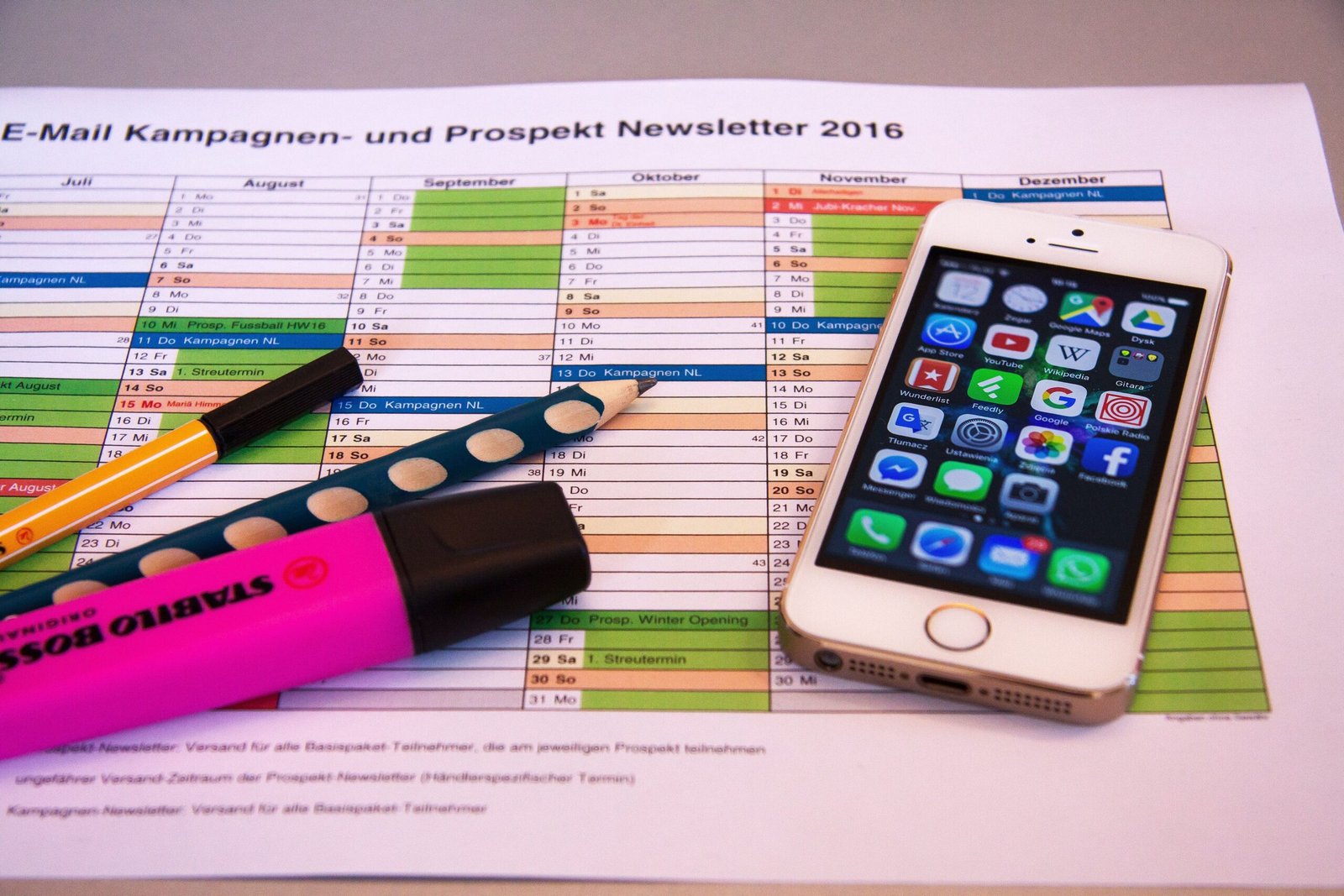
Productivity apps have become part of daily work, learning, and personal organization. Whether someone works from home, studies online, manages a business, or handles household responsibilities, the right app can reduce manual work, organize information, and save time.
The challenge is not finding productivity apps. Thousands of options are available. The real challenge is choosing applications that fit your workflow and solving everyday problems without creating more complexity.
This guide explains the best productivity apps for daily tasks, how they work, their main features, and how to choose the right combination for personal and professional use.
What Are Productivity Apps?
Productivity apps are software programs designed to help users complete tasks more efficiently. They organize information, automate repetitive work, improve communication, and simplify planning.
These apps can be used for:
- Task management
- Note-taking
- Team collaboration
- Calendar scheduling
- File storage
- Email management
- Time tracking
- Document editing
- Project planning
- Focus improvement
Instead of switching between multiple disconnected tools, many people combine a small number of productivity apps that work together.
Why Productivity Apps Matter
Managing daily work without organization often leads to:
- Missed deadlines
- Forgotten tasks
- Duplicate work
- Lost documents
- Communication problems
- Reduced focus
Productivity software provides one place to organize work and track progress.
Benefits include:
- Better planning
- Faster completion of tasks
- Easier collaboration
- Reduced manual work
- Improved time management
- Better organization
Features To Look For In Productivity Apps
Before installing any application, consider the features that match your daily needs.
Simple Interface
An app should be easy to understand without requiring long training.
Cross-Platform Support
Many people switch between:
- Windows
- Mac
- Android
- iPhone
- Web browser
Synchronization across devices helps maintain continuity.
Cloud Backup
Automatic cloud storage prevents data loss.
Collaboration
If you work with others, look for:
- Shared workspaces
- Comments
- Real-time editing
- Task assignment
Notifications
Reminders help avoid missed meetings and deadlines.
Search Function
Finding documents quickly saves significant time.
Best Productivity Apps For Daily Tasks
Microsoft To Do
Microsoft To Do helps organize personal and professional tasks.
Features include:
- Daily planner
- Reminders
- Due dates
- Task categories
- Recurring tasks
- Cloud synchronization
Users can divide projects into smaller steps, making large goals easier to manage.
Google Keep
Google Keep provides a simple way to save ideas before they are forgotten.
It supports:
- Notes
- Lists
- Images
- Voice notes
- Labels
- Color organization
Because it synchronizes automatically, users can access notes from multiple devices.
Notion
Notion combines multiple productivity tools inside one workspace.
It can replace several separate applications by providing:
- Notes
- Databases
- Task tracking
- Project management
- Documentation
- Knowledge base
Many freelancers, students, and businesses use Notion to centralize information.
Trello
Trello organizes projects using boards and cards.
Each card can contain:
- Checklists
- Files
- Deadlines
- Comments
- Labels
The drag-and-drop interface allows users to monitor progress visually.
Todoist
Todoist focuses on task management.
Features include:
- Daily planning
- Priority levels
- Project folders
- Due dates
- Productivity tracking
- Team collaboration
The software is suitable for both personal planning and office work.
Evernote
Evernote helps users store information in one searchable location.
Common uses include:
- Meeting notes
- Research
- Receipts
- Web clipping
- Document organization
Powerful search functions help users locate information quickly.
Google Calendar
Scheduling plays an important role in productivity.
Google Calendar allows users to:
- Schedule meetings
- Set reminders
- Share calendars
- Create recurring events
- Receive notifications
Integration with Gmail automatically adds many events.
Microsoft OneNote
OneNote functions like a digital notebook.
Users can organize:
- Text
- Drawings
- Images
- Files
- Audio recordings
Sections and pages make large collections of notes easier to manage.
Slack
Communication affects productivity.
Slack replaces long email chains with organized conversations.
Features include:
- Channels
- Direct messages
- File sharing
- Voice calls
- Video meetings
- App integrations
Teams can discuss projects without searching through large email inboxes.
Zoom
Remote meetings have become part of many workplaces.
Zoom supports:
- Video meetings
- Screen sharing
- Chat
- Recording
- Virtual backgrounds
- Webinar support
It helps maintain communication regardless of location.
Productivity Apps For Students
Students often require organization rather than complex project management.
Useful applications include:
- Google Keep
- Notion
- Microsoft OneNote
- Google Calendar
- Todoist
These apps help manage assignments, exam schedules, lecture notes, and revision plans.
Productivity Apps For Office Workers
Office professionals often benefit from software that supports communication and project tracking.
Recommended tools include:
- Microsoft Teams
- Slack
- Trello
- Notion
- Microsoft To Do
- Google Calendar
Together, these tools organize meetings, projects, and communication.
Productivity Apps For Freelancers
Freelancers frequently manage several clients simultaneously.
Useful software includes:
- Notion
- Todoist
- Google Drive
- Trello
- Clockify
- Canva
These applications assist with planning, document storage, invoices, and deadlines.
Productivity Apps For Small Businesses
Business owners often require tools that support teams.
Useful options include:
- Trello
- Asana
- Slack
- Google Workspace
- Microsoft 365
- Notion
These platforms simplify collaboration and document management.
Time Management Apps
Time management improves work quality.
Popular choices include:
Clockify
Tracks work hours.
Toggl Track
Measures time spent on different projects.
RescueTime
Analyzes computer usage habits.
Forest
Encourages focus by reducing phone distractions.
Document Management Apps
Documents become difficult to organize without proper software.
Useful options include:
- Google Drive
- Dropbox
- OneDrive
- Box
Cloud storage allows access from multiple devices while protecting files from hardware failure.
Communication Productivity Apps
Communication tools reduce delays.
Popular software includes:
- Slack
- Microsoft Teams
- Zoom
- Google Meet
These applications support messaging, meetings, and file sharing.
Note-Taking Productivity Apps
Keeping organized notes improves efficiency.
Popular apps include:
- Notion
- Evernote
- OneNote
- Google Keep
- Apple Notes
Users can search notes instead of browsing notebooks manually.
Project Management Apps
Projects become easier when tasks are assigned clearly.
Popular project management software:
- Trello
- Asana
- ClickUp
- Monday.com
- Jira
Each provides task assignment, deadlines, and progress tracking.
Calendar And Scheduling Apps
Scheduling software helps users avoid conflicts.
Popular choices include:
- Google Calendar
- Outlook Calendar
- Apple Calendar
Automatic reminders reduce missed appointments.
Email Productivity Tools
Managing email efficiently prevents inbox overload.
Useful tools include:
- Microsoft Outlook
- Gmail
- Spark Mail
- Thunderbird
Features include:
- Email categorization
- Search
- Labels
- Filters
- Scheduled sending
Cloud Storage Productivity Apps
Cloud storage improves accessibility.
Popular platforms include:
- Google Drive
- Dropbox
- OneDrive
- iCloud
Files remain available from phones, tablets, and computers.
Focus Improvement Apps
Distractions reduce efficiency.
Focus applications include:
Forest
Rewards uninterrupted work sessions.
Freedom
Blocks distracting websites.
Focus To-Do
Combines task lists with the Pomodoro Technique.
Cold Turkey
Blocks applications during work sessions.
AI Productivity Tools
Artificial intelligence has become part of productivity software.
Common AI functions include:
- Text generation
- Meeting summaries
- Email drafting
- Document organization
- Smart search
- Writing assistance
Many office applications now include built-in AI capabilities.
Tips For Using Productivity Apps Effectively
Installing software alone does not improve productivity.
Follow these practices:
Use Fewer Apps
Avoid managing work across too many platforms.
Review Tasks Daily
Start each morning by reviewing pending work.
Set Priorities
Complete high-priority tasks before smaller ones.
Organize Files
Use folders and consistent naming.
Schedule Focus Time
Reserve uninterrupted work periods.
Enable Reminders
Notifications prevent forgotten deadlines.
Archive Completed Work
Remove finished tasks while keeping records accessible.
Common Productivity Mistakes
Many users lose efficiency because of poor habits.
Examples include:
- Installing too many apps
- Ignoring reminders
- Poor file organization
- Skipping backups
- Never reviewing task lists
- Using different calendars
- Leaving notifications unchecked
Avoiding these habits improves workflow.
How To Build Your Productivity System
A balanced productivity setup may include:
Task Management
- Todoist
Calendar
- Google Calendar
Notes
- Notion
Documents
- Google Drive
Communication
- Slack
Meetings
- Zoom
Using compatible applications creates a smoother workflow.
Security Tips
Productivity software often stores sensitive information.
Protect your accounts by:
- Using strong passwords
- Enabling two-factor authentication
- Updating software regularly
- Backing up important files
- Reviewing sharing permissions
- Avoiding unknown downloads
Future Of Productivity Apps
Productivity software continues to evolve with features such as:
- AI automation
- Voice commands
- Workflow automation
- Smart scheduling
- Better collaboration
- Improved cloud synchronization
These developments help users complete routine work with fewer manual steps.
Frequently Asked Questions
Which productivity app is best for beginners?
Microsoft To Do, Google Keep, and Todoist are simple choices for users starting with productivity software.
Which app is best for managing projects?
Trello, Asana, ClickUp, and Notion are commonly used for project management.
Are free productivity apps enough?
Many free plans provide sufficient features for personal use. Larger teams may require paid plans.
Can productivity apps work offline?
Some applications support offline access and synchronize changes after reconnecting to the internet.
Which productivity app works on every device?
Many apps, including Notion, Todoist, Google Keep, and Microsoft To Do, support Windows, macOS, Android, iPhone, and web browsers.
How many productivity apps should I use?
Using three to five core apps is often easier than managing many overlapping tools.
Do productivity apps improve time management?
Yes. They help organize tasks, schedule work, track deadlines, and reduce forgotten responsibilities.
Conclusion
Productivity apps help individuals organize work, manage time, store information, and collaborate with others. The most effective solution depends on personal needs rather than the number of available features. A simple combination of task management, note-taking, scheduling, communication, and cloud storage applications can create an organized workflow that supports daily tasks across work, study, and personal life. By choosing software carefully and maintaining consistent habits, users can improve efficiency while reducing unnecessary complexity.